
AI Image Generator

WizGenerator's AI Image Generator creates 1, 2, or 4 image directions from a task, subject, reference, headline, style, colors, and ratio, then edits one rectangle while preserving outside pixels.

Verified tool facts

Best for

People who want to choose 1, 2, or 4 correctly sized image directions, with optional reference guidance, exact headline text, and a locked selected-area edit.

Cost
Free
Sign-up
Not required
Images
Choose 1, 2, or 4
Sizes
4 aspect ratios
Reference
Optional guidance
Text
Real headline layer
Edit
Rectangle + outside lock
Not for

Guaranteed permanent person or product identity, freehand multi-stage retouching, print calibration, or rights clearance.

Quick-fill an example

Your Generated Image Variations

Ready
Saved AI example

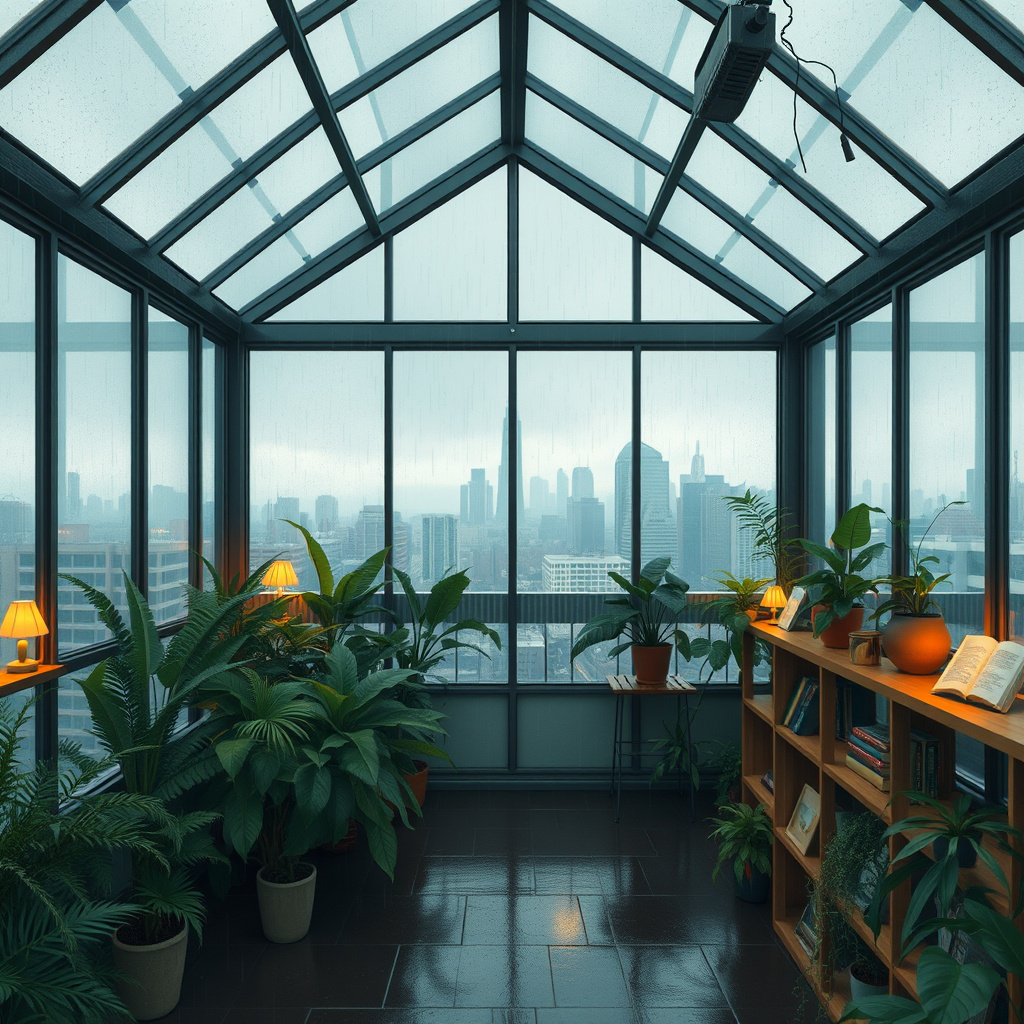
Generated by the live AI Image Generator from the selected sample. Generate again to replace it with your own result.

Generated image direction 1
Direction 1
Advertisement

Create a Finished Visual, Not a Prompt Experiment

Choose the Job and Final Shape First

Start with the place where the visual will appear. A YouTube thumbnail needs a wide frame and strong mobile contrast, while a poster or square social card needs different safe margins. Choose the task and aspect ratio before describing the scene so the subject is composed for the file you will actually use.

Then describe the subject, action, expression, and setting in concrete terms. The form turns those decisions into the production prompt for you. You do not need to name a model or learn weighting syntax; the useful choices are the ones that change the final asset.

Keep Exact Words Out of the Generated Pixels

Use the Exact headline field for wording that must be correct. The image provider creates the visual direction without lettering, and the browser adds your headline as a real text layer. That separation avoids asking an image model to guess spelling while keeping the subject and empty space available for layout.

Download visual saves the clean generated image. Download with text builds a composite containing the headline you supplied. Check line breaks, contrast, and safe margins at thumbnail size before publishing, especially when a long headline needs more room than the selected layout provides.

Compare Every Direction Against One Brief

Choose 1, 2, or 4 directions at the selected dimensions. Compare them against the same criteria: focal subject, facial and hand quality, useful negative space, color direction, and whether the composition still reads on a small screen. The most dramatic image is not automatically the most usable one.

If the returned images miss the target, change one instruction at a time. Tighten the subject action, switch the text side, simplify the background, or remove a conflicting style cue. A controlled change tells you what improved the next result and reduces random prompt rewriting.

Inspect the File Before You Publish It

Generated visuals can still contain malformed anatomy, duplicated objects, unintended symbols, or inaccurate representations. Inspect both directions at full size and at the final display size. Keep the visual download when you need to finish the design elsewhere, or use the text composite when the built-in headline layout is sufficient.

The tool cannot establish copyright, exclusivity, likeness permission, trademark clearance, factual accuracy, print calibration, or guaranteed character identity. The generated URL is request-scoped and WizGenerator does not create a WordPress attachment or recovery copy. Download the version you intend to keep and perform the rights review required for your use.

Choose an Image Tool for the Visual Job

Image tools specialize in different parts of the visual workflow. Some favor expressive style, some prioritize commercial asset workflows, some handle lettering, and some support conversation or editing. Choose by the control and final check your image actually needs.

AlternativeChoose whenWatch for
MidjourneyExploring expressive visual directions when style discovery and a distinctive art language matter more than a tightly specified production brief.A style-led workflow can require more iteration to lock exact composition, text, and layout constraints for a practical asset.
Adobe FireflyCreative teams already working in Adobe's ecosystem who want image generation alongside a broader design and editing workflow.The broader creative suite adds workflow depth, while a focused text brief may be faster when you only need a new visual direction.
IdeogramPosters, logos, and social graphics where readable lettering is a central part of the visual idea.Text strength does not remove the need to inspect layout, small details, rights, and the final dimensions for the actual placement.
ChatGPT ImagesDiscussing an image idea in conversation and refining a concept while you explain what should change.A conversational workflow leaves you to preserve a controlled brief and run the final composition, text, and rights checks yourself.

AI Image Generator Questions

How many images can I generate?

Choose 1, 2, or 4 images before generating. Every returned image uses the same task, subject, style, colors, ratio, reference, and exclusions so you can request one focused result or compare several directions.

How is the exact headline kept correct?

The provider generates the visual without final lettering. WizGenerator then places the words from Exact headline as a real browser text layer. Download visual saves the clean image; Download with text exports the visual and headline together.

Which aspect ratios are available?

The current studio offers 16:9 at 1024×576, 1:1 at 1024×1024, 4:5 at 768×960, and 9:16 at 576×1024. The selected dimensions are sent to the image provider rather than being described only in the prompt.

Can I upload a reference or edit a selected area?

Yes. An optional PNG, JPEG, or WebP can guide the first generation. After a result appears, choose Edit area, drag one rectangle, and describe the replacement. The browser composites only that rectangle onto the original so outside pixels stay unchanged. Reference guidance is not a permanent identity guarantee, and the current edit is rectangular rather than a freehand multi-stage editor.

Does WizGenerator store my generated image?

No WordPress attachment or visitor recovery copy is created. The provider URL is returned to the current browser with a private no-store response. Download any visual you want to keep before the temporary result is no longer available.

Can I use the image commercially?

The tool cannot grant rights or verify every subject, likeness, mark, character, or source element. Review the provider terms and the permissions that apply to your use, then check the final image and headline before publishing or selling it.

Continue the Visual Workflow

Move from a general visual direction into a specialist image concept, caption, or identity idea.

Add this generator to any page with a simple embed.

Get embed code