Can I turn a photo into a coloring page?
No. This tool starts from a text description and does not accept a photo or uploaded image for conversion. A photograph needs a separate image-conversion tool and its own privacy and likeness review. It cannot preserve a photographed likeness or trace a reference image inside the generated page.
Can I edit an uploaded image here?
No. The contract creates four image variations from a text brief. It does not retouch, erase, recolor, crop, inpaint, or apply a selected-area edit to an uploaded image. Describe the subject and desired line-art treatment in text instead.
Will the images be pure black-and-white line art?
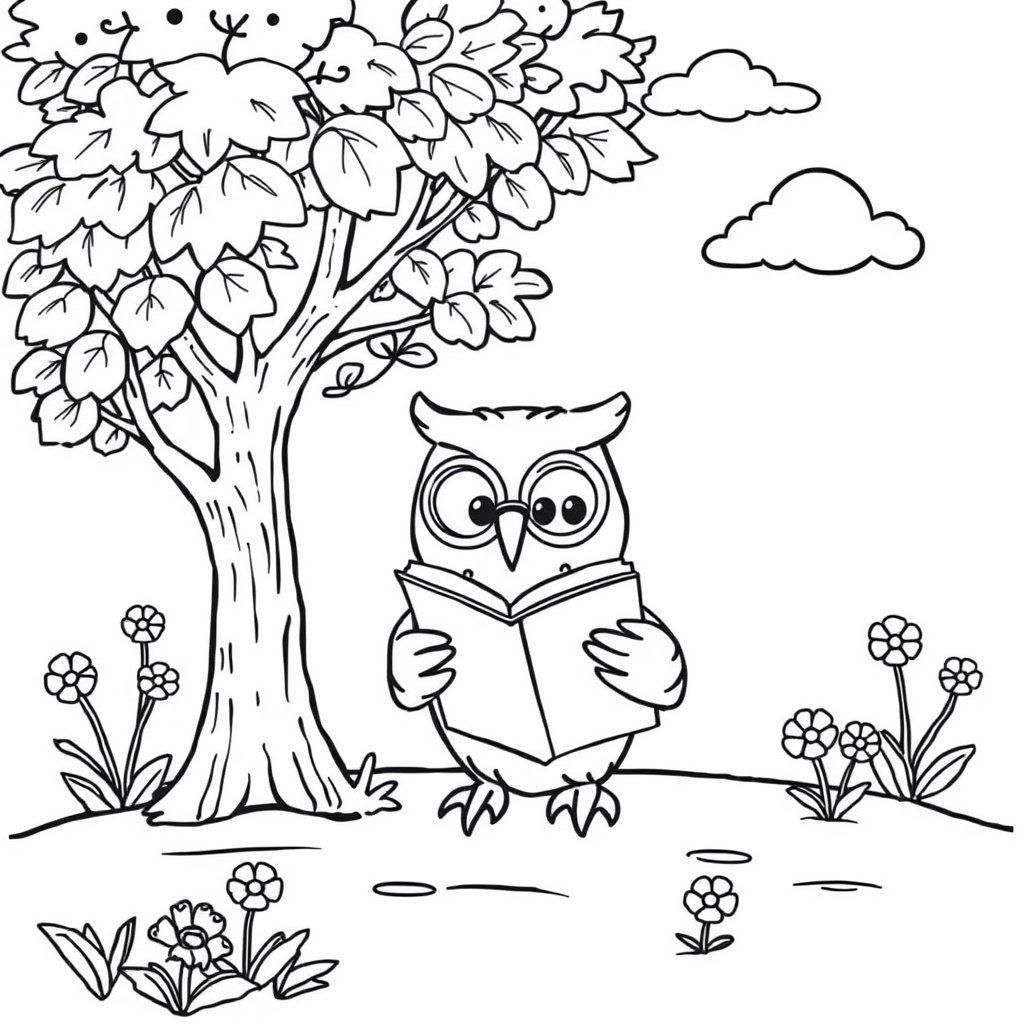
The prompt is designed for black outlines, open white areas, no color, and no gray shading. Inspect every variation because image generation can introduce fills, marks, or small details that need rejection. Download the version that passes your own line-quality and use check.
Can I choose the child's age or detail level?
Yes. Audience age and detail level guide line weight, enclosed shapes, and visual complexity. Young children generally need larger open areas, while older users may prefer more detail. Those settings guide the image but cannot guarantee that every variation will suit a particular motor, visual, or educational need.
Does it add labels or educational facts?
No. Readable labels, factual diagrams, curriculum accuracy, and educational certification fall outside the contract. If the brief requests a subject with recognizable parts, inspect the result for visual clarity and verify any teaching content separately before using the page in instruction.
Can I print the downloaded image?
You can download a variation and test it for your intended use. Paper size, margins, resolution, ink coverage, and printer behavior remain outside the tool's calibration, so check the file with your intended printer or screen setup.